GitHub Issues Sync
Docs reviewedWe read the code and docs, but haven’t run it ourselves.
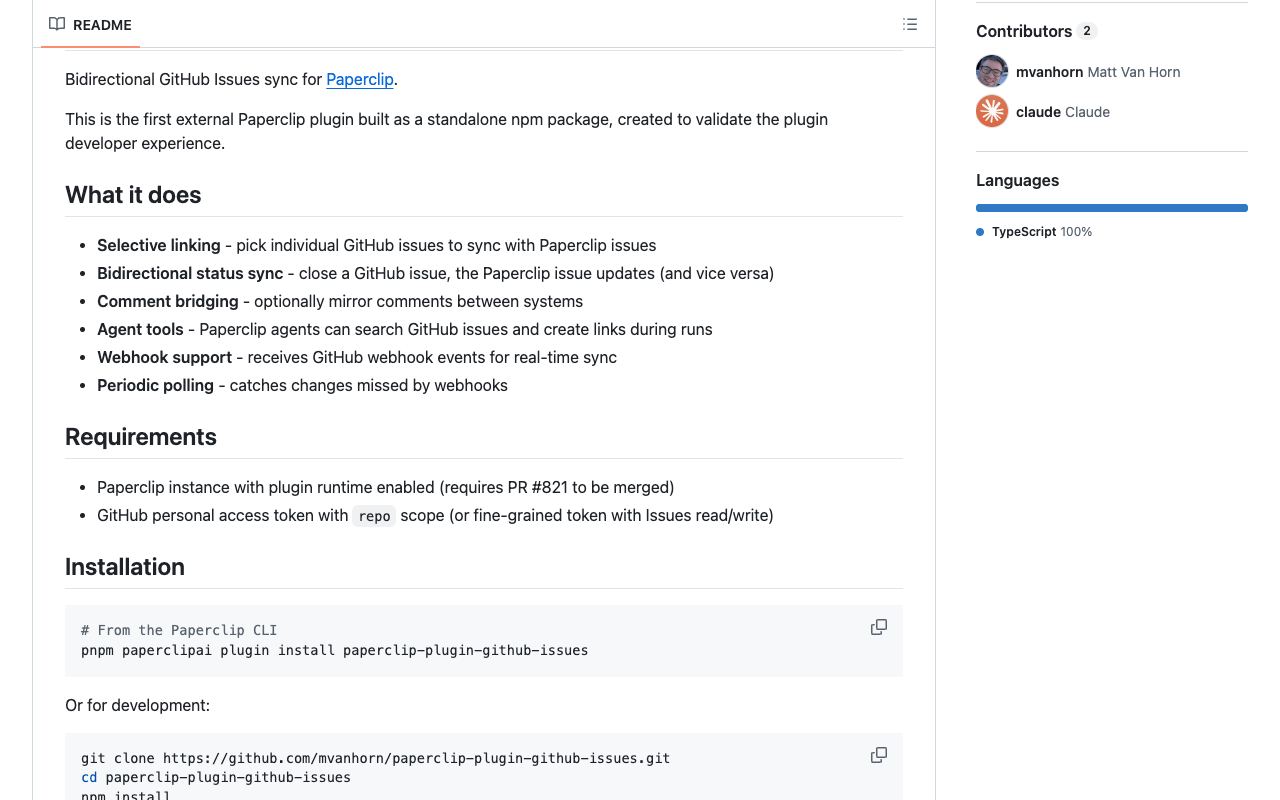
Link selected GitHub issues to Paperclip. Sync status and, optionally, comments.
mvanhorn/paperclip-plugin-github-issuesGitHub stars: 33Updated
Our take
Use this plugin when you track issues in GitHub. You can link selected issues instead of copying them all. It requires a GitHub token with the correct issue permissions. Configure webhooks and polling for your setup. The README says the plugin was built before the runtime shipped. It also says it had not yet been tested against a live Paperclip instance. Check host compatibility before you install it.
Based on the repo as of . More in the top 10 guide
Install
Not on npm, so build it from source and install it from the folder.
- Clone the repository, then run npm install and npm run build.
- Install it in Paperclip from the local path.
- Create a GitHub token with issue permissions and configure webhooks or polling.
Reviews
No reviews yet. Tried it? Tell others how it went.